 Documentation
Rancher
The Rancher instance is available at rancher.cloud.e-infra.cz. Please log in using federated authentication via e-INFRA CZ, Life Science Login (ELIXIR), or EGI Check-In.
After your first login, you will see the default dashboard displaying your available clusters.
Empty Dashboard? If no clusters appear after logging in, try refreshing the page (F5). It may take up to a minute for the initial clusters to be provisioned and displayed.
Organizational Structure: Clusters, Projects, and Namespaces
The Rancher and Kubernetes environment is organized into logical layers. Understanding these relationships is key to managing your applications effectively.
| Level | Description |
|---|---|
| Cluster | A group of physical or virtual nodes running Kubernetes. |
| Project | Rancher-specific concept. It groups multiple namespaces together, allowing for bulk management of permissions and quotas. |
| Namespace | A native Kubernetes isolation mechanism for specific resources (pods, services). Namespaces provide a mechanism to isolate groups of resources within a single cluster. |
Important Rules for Namespaces
- Resource names (e.g., pods) must be unique within a single namespace.
- Namespace names must be unique across the entire cluster; avoid generic names like test.
Your Personal Workspace
Upon your first login, the system automatically creates:
- Default Project: Named after your first and last name.
- Default Namespace: Formatted as
surname-ns.
Creating Additional Namespaces
You can create more namespaces directly through the Rancher GUI using the Create Namespace button.
Do not use kubectl create namespace! To ensure proper integration with Rancher’s quota system and management features, namespaces must be created via the web interface. See the quota section for more information.
Navigation
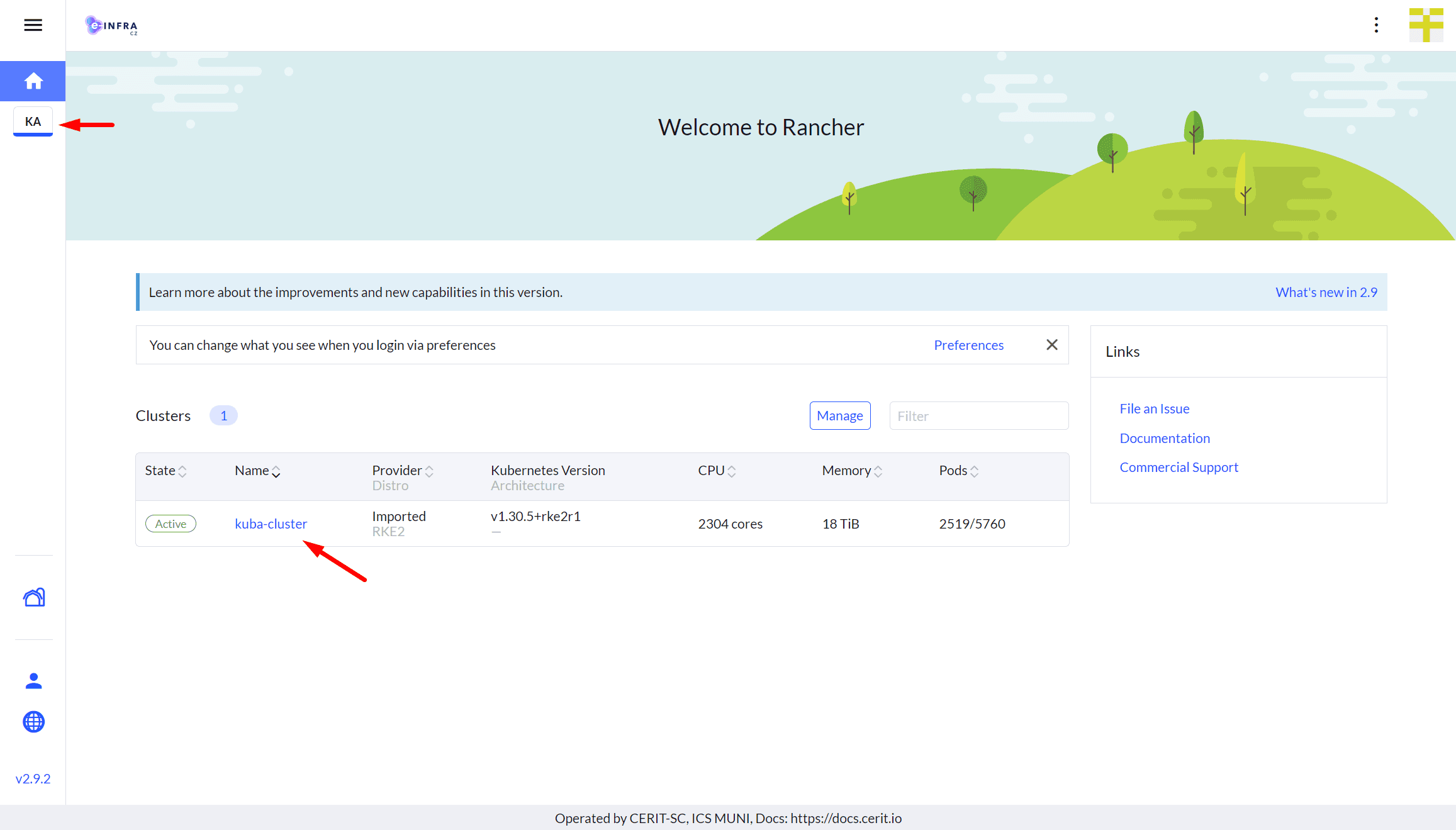
The clusters you are authorized to access can be found in the upper-left menu or in the list on the home page:
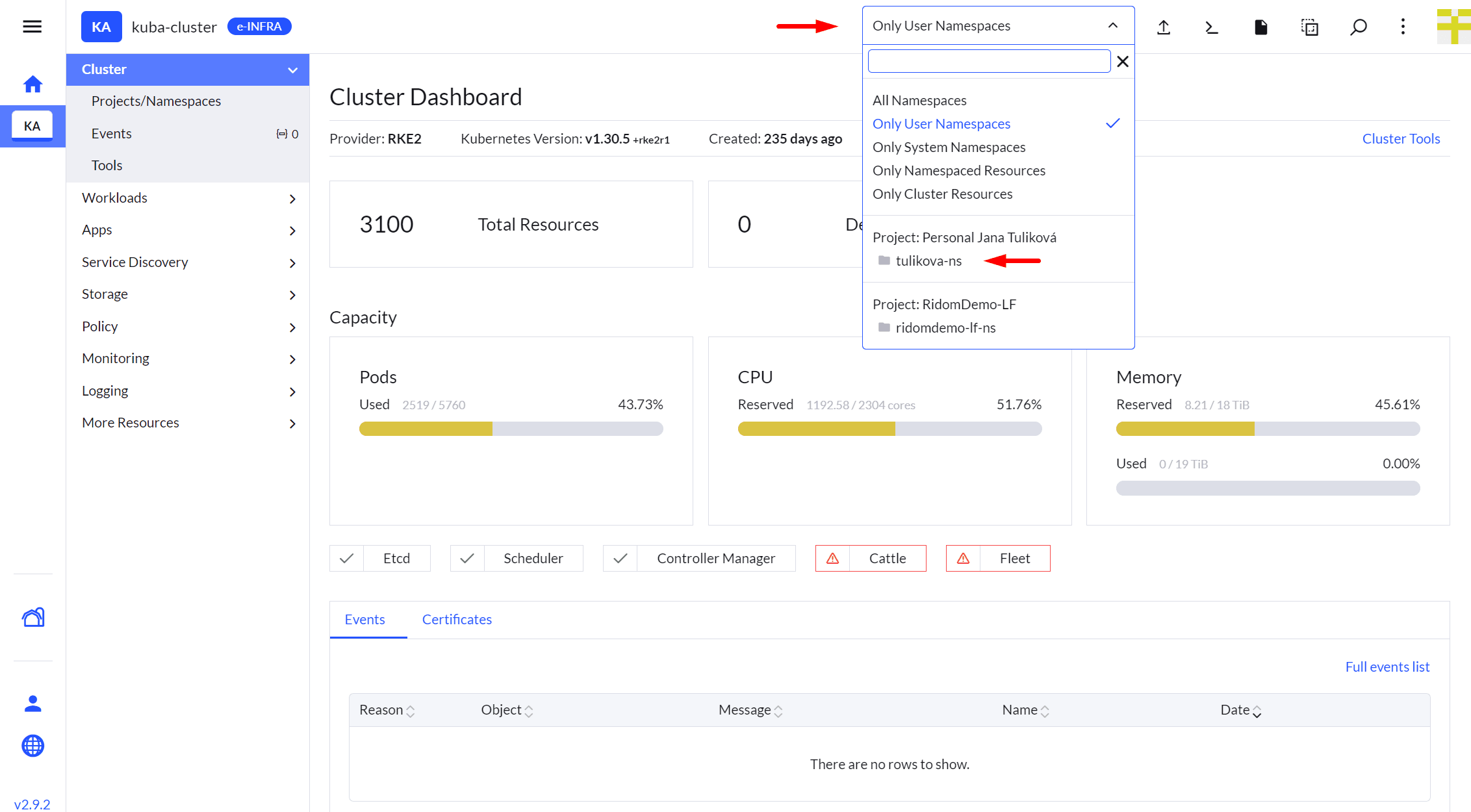
Once you select a specific cluster, you can view your projects and namespaces:
GUI vs. Command Line (kubectl)
Rancher provides a user-friendly web interface that covers most common tasks. However, for advanced operations and automation, the kubectl tool is also available.
- GUI (Web): Ideal for beginners and for a quick overview of service status.
- kubectl: Recommended only for users comfortable working in a terminal. It allows for full control and complex configuration of Kubernetes objects.
Last updated on